


Email-Based Correspondence Assistant: Power Move or Hidden Risk?
Written with AI assistance under our editorial guidelines
Email-based correspondence assistants use AI to help professionals manage overwhelming inboxes by organizing messages, prioritizing urgent items, and reducing the 13 hours weekly spent on email management. While these tools promise productivity gains and reduced burnout, they also present risks including data privacy concerns, potential mishandling of sensitive communications, and over-reliance on automated decision-making that could miss important context or create workplace issues.
Crack open your inbox, and you’re staring at the digital equivalent of a landfill—messages heaped, priorities scrambled, urgent subject lines shrieking for your attention. The world’s most powerful productivity tool, email, is both a lifeline and a curse. In 2025, with nearly five billion users refreshing inboxes up to 20 times a day, the chaos is more than a nuisance—it’s a crisis. Enter the email-based correspondence assistant: an AI-driven revolution that’s not just tidying your digital desk, but flipping the whole paradigm of how we work, communicate, and think about attention. This article peels back the layers: the statistics no one’s talking about, the pitfalls even the experts fear, and the power moves hiding in plain sight. Whether you’re a burned-out exec or a hustling entrepreneur, what you learn here might just force you to rethink everything you know about email—before your inbox buries you for good.
Inbox overload: Why email broke—and how AI is picking up the pieces
The email apocalypse: A modern professional’s daily nightmare
You know the feeling—a red badge of doom on your phone, 120+ new messages, and you’re already late for your first meeting. According to the McKinsey Global Institute, the average knowledge worker spends nearly 28% of their workweek (about 13 hours) wrangling email. That’s not productivity; it’s digital triage. The statistics are haunting: 86% of people run at least three email accounts, and the professional world is drowning in a flood of transactional, marketing, and “just circling back” messages. And it’s not just volume—it’s the ambiguity. What’s urgent? What’s spam? Which reply will land you a deal, and which will get you in trouble with HR? For many, the inbox has become a psychological minefield where context gets lost, opportunities slip by, and burnout creeps in behind every unread subject line.

| Statistic | 2025 Value | Source |
|---|---|---|
| Global email users | ~4.9 billion | ZeroBounce, 2025 |
| Average work emails received daily | 120+ | Forbes, 2025 |
| Percentage checking email 20x daily | 99% | ZeroBounce, 2025 |
| Time spent weekly on email (knowledge worker) | 13 hours (28%) | McKinsey, 2024 |
Table 1: The scope of email overload in 2025. Source: Original analysis based on ZeroBounce, Forbes, and McKinsey data.
Cost of chaos: What businesses lose in a sea of unread messages
It’s easy to frame inbox overload as a personal productivity issue, but the reality bites deeper. Each missed email isn’t just a silent annoyance; it can be a lost contract, a delayed project, or a blown opportunity. Businesses are hemorrhaging value—unread or misrouted emails mean delayed decisions, fractured communication, and a customer experience that grinds to a halt. According to DigitalOcean, 46% of US companies already deploy AI tools for email optimization, desperately seeking any edge in the fight against chaos. Inefficiency doesn’t just burn time; it burns money, reputation, and morale. Teams fall out of sync, projects stall, and burnout becomes the norm.
But here’s the kicker: most organizations still cling to outdated email triage tactics—flagging, filtering, obsessively archiving—hoping yesterday’s strategies will fix today’s avalanche. It’s a losing battle, and the cost is mounting in lost hours and opportunities.
“The real cost of email overload isn’t measured in unread messages, but in missed connections and stalled innovation. AI is no longer a luxury—it’s a necessity for those who want to survive the modern workplace.” — Stripo.email B2B Insights, 2025
When filters and folders fail: Why traditional solutions aren’t enough
Once upon a time, filters and folders felt like magic—set a few rules, and your inbox sorted itself. But in 2025, these blunt instruments barely scratch the surface of the problem. Why? The signals have changed. With AI-generated content, hyper-customized marketing, and nuanced team communication, the lines between “important” and “noise” have blurred beyond recognition.
Filters choke on edge cases. Folders become graveyards for forgotten threads. Meanwhile, smart senders sidestep your rules, and critical messages slip through the cracks. The result: a digital arms race where traditional tools simply can’t keep up with the volume, velocity, and complexity of modern correspondence.
- Filters can’t interpret context or urgency—AI can.
- Manual sorting is unsustainable at scale for knowledge workers.
- Flagging important emails doesn’t address follow-up or workflow integration.
- Delegation via shared inboxes often leads to duplication and dropped balls.
- Human error—fatigue, distraction, or misjudgment—will always be a risk in manual triage.
Bridge: Enter the email-based correspondence assistant
The world demanded a fix—and AI answered. The email-based correspondence assistant isn’t just another filter; it’s a digital team member, operating at the intersection of automation, insight, and human-like judgment. With real-time processing and predictive analytics, these assistants cut through the noise, prioritize what actually matters, and free up cognitive space no folder ever could. It’s not just about managing overflow, but fundamentally changing the relationship between you and your inbox.
What is an email-based correspondence assistant? Beyond the buzzwords
Definition, evolution, and the big misconception
An email-based correspondence assistant is more than a bot or a glorified macro. It’s an AI-powered entity that manages, prioritizes, and sometimes even crafts your emails with a contextual understanding of your unique workflow, goals, and tone. Originally springing from basic auto-responders and scheduling bots, these assistants have evolved into sophisticated digital colleagues. The biggest misconception? That they’re just glorified spam filters. In reality, they’re rewriting the playbook of professional communication.
Key Terms:
An AI-driven system embedded in your email workflow that automates, prioritizes, and personalizes your inbound and outbound communication, integrating deeply with your daily work.
A specialized virtual assistant powered by machine learning and natural language processing, capable of drafting, sorting, and responding to emails based on context and intent.
Any software that leverages algorithms to manage routine email tasks, typically offering less nuance than a full AI-based assistant.
An advanced assistant that goes beyond automation, engaging as a collaborative partner—handling tasks, learning from feedback, and adapting to your style over time.
How it works: Under the hood of a digital team member
So, what’s really happening when you hit “delegate to AI”? Behind the scenes, modern correspondence assistants harness vast language models, real-time analytics, and behavioral data to synchronize with your priorities. They don’t just sort by sender or subject—they analyze the intent, urgency, and potential impact of every message. Machine learning algorithms process patterns in your email habits, training on your replies, flagged items, and even how you interact with your calendar. Advanced systems offer predictive scoring—estimating which emails will convert, close a deal, or require immediate escalation.
Unlike old-school automation, these assistants also tap into sentiment analysis, reading the emotional tone of incoming messages and customizing your response accordingly. The line between AI and human intuition is blurring.
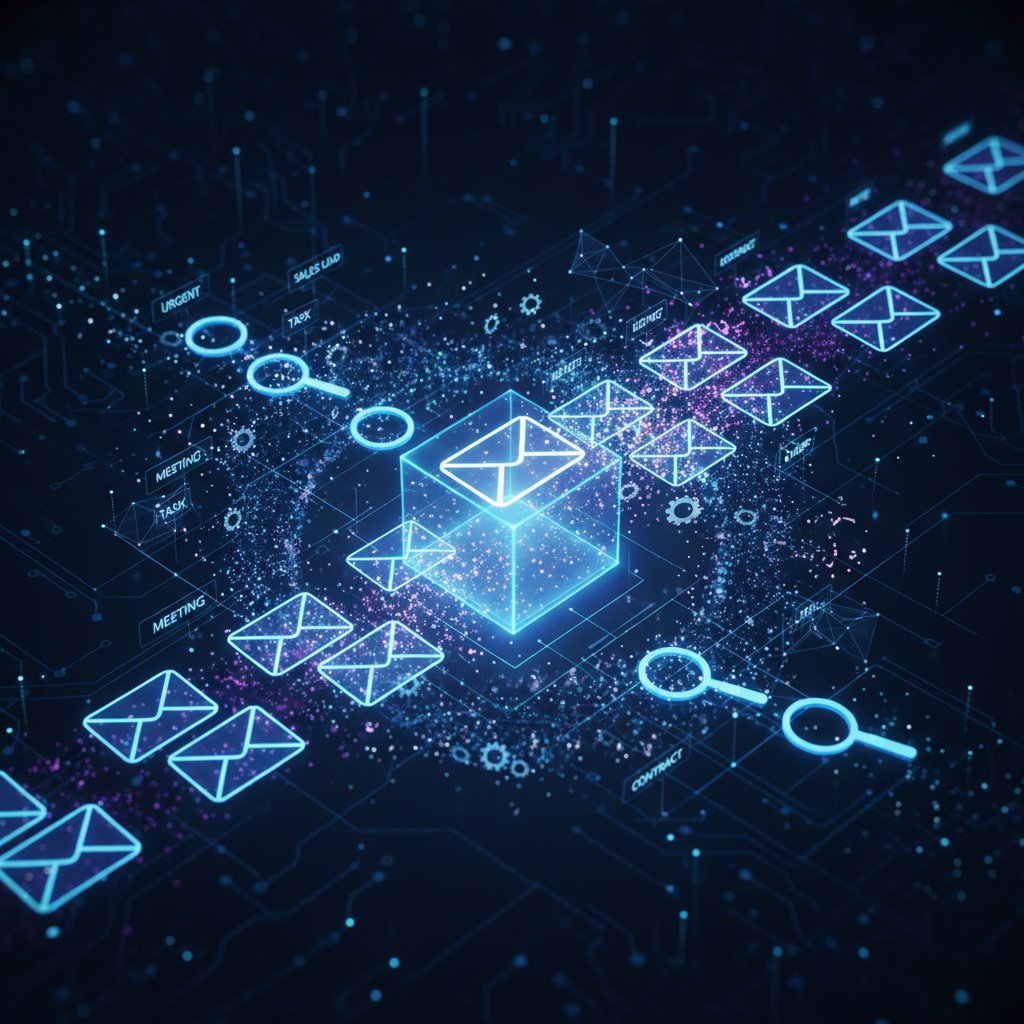
AI, automation, or something more? Where the lines blur
The terminology gets messy: is it AI, automation, or just a smart script? In 2025, the answer is “all of the above.” The best email-based correspondence assistants blend:
- Machine learning for predictive prioritization (who needs a reply ASAP?).
- Natural language processing to read, summarize, or draft nuanced responses.
- Workflow integration, syncing with calendars, CRMs, and project tools.
- Real-time analytics for open rates, read receipts, and engagement tracking.
- Emotional intelligence modules to avoid faux pas or escalate sensitive issues.
The anatomy of a modern AI correspondence assistant
Core features: From intent detection to emotional nuance
Forget rule-based automation—the modern email-based correspondence assistant is a toolbox of advanced features, each designed to reclaim hours from your inbox and lift the fog of information overload.
| Feature | What It Does | Why It Matters |
|---|---|---|
| Intent detection | Analyzes incoming emails for purpose and urgency | Cuts through noise to surface what matters |
| Sentiment analysis | Reads emotional tone of messages | Prevents tone-deaf responses |
| Predictive scoring | Estimates likelihood of response, deal, or escalation | Prioritizes high-impact conversations |
| Automated drafting | Writes replies tailored to your voice and context | Saves time, reduces cognitive fatigue |
| Real-time engagement tracking | Monitors opens, clicks, replies in real time | Enables data-driven follow-up |
| Integration with workflow tools | Connects to calendars, CRMs, project managers | Powers seamless collaboration |
| Continuous learning | Adapts to feedback, evolving preferences | Becomes more accurate over time |
Table 2: Core features of today’s AI correspondence assistants. Source: Original analysis based on DigitalOcean and Forbes data.
Integration: Plugging into your workflow, not blowing it up
The real genius of an email-based correspondence assistant is its invisibility. Rather than forcing you onto a new platform, the best assistants integrate where you already work—your inbox. Setup is typically frictionless: connect your account, set preferences, and the AI starts learning instantly. Seamless integrations with calendars, CRM systems, and project management apps turn your inbox into mission control.
But beware the bloat—overly complex integrations can slow down your workflow or create silos. The sweet spot: tools that augment, not replace, your existing processes.
- Connect your email account to the assistant.
- Customize rules and preferences for message prioritization.
- Let the assistant analyze past behavior and start making recommendations.
- Review, approve, or edit AI-suggested drafts.
- Monitor analytics and adapt workflows based on real results.
Security and privacy: Hype, reality, and what you need to know
“Is my data safe?”—it’s the first question, and it deserves a real answer. Email-based assistants process sensitive information—client conversations, contracts, and confidential negotiations. Most reputable tools deploy enterprise-grade encryption, data residency controls, and granular permission settings. But security isn’t just about tech; it’s about trust and transparency.
Businesses must scrutinize vendor privacy policies, evaluate compliance with regulations like GDPR, and insist on regular audits. According to the Microsoft Work Trend Index 2024, trust in AI hinges on clear data boundaries and robust user controls.
“Security isn’t just a feature—it’s a prerequisite. The best AI assistants bake privacy into every layer, keeping your business, your clients, and your reputation off the chopping block.” — Microsoft Work Trend Index, 2024
Real-world applications: From inbox zero fantasies to business-critical moves
Case studies: How law, sales, and creatives are changing the game
AI correspondence assistants aren’t just toys for techies—they’re now embedded in industries where precision, speed, and nuance are mission-critical. In law firms, assistants automate initial client intake, extract case details, and flag high-risk communications for partner review. According to DigitalOcean, sales teams using AI-powered email tools have reported up to 40% higher engagement rates, as assistants personalize pitches based on buyer intent and historical data.
The creative world is in on it too. Agencies and freelancers use AI to draft campaign proposals, summarize client feedback, and manage deadlines—all from a single inbox. The bottom line: these tools are shifting entire workflows, collapsing days of busywork into minutes of strategic action.
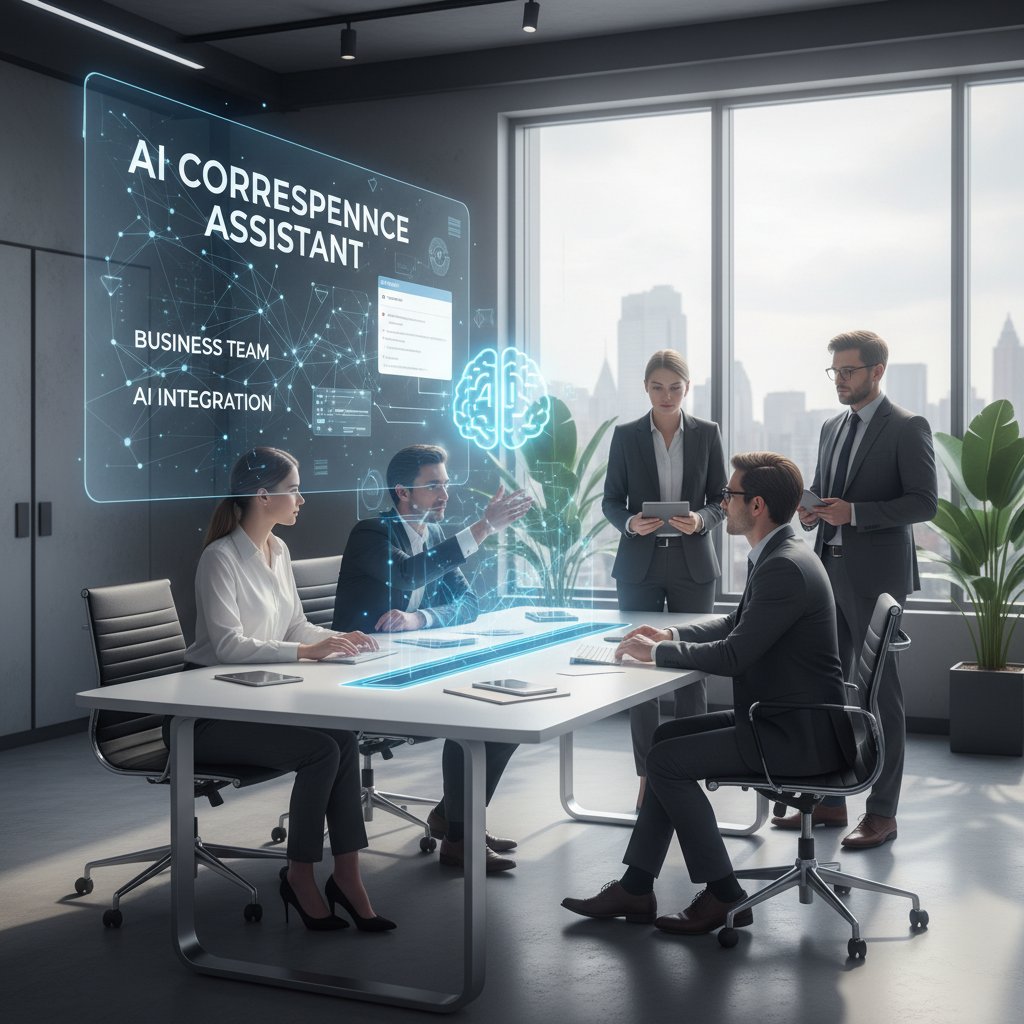
Unexpected uses: The wildest ways teams are leveraging assistants
- Healthcare administrators automate patient communication, cutting administrative workload by 30% and boosting satisfaction.
- Financial analysts use assistants to scan, summarize, and prioritize reports, gaining a 25% edge in portfolio performance.
- Marketing directors deploy AI to generate, A/B test, and optimize campaign content, slashing agency costs.
- Tech support teams auto-triage incoming requests, halving response times on critical issues.
User testimonials: Inside stories from the front lines
It’s one thing to see the statistics—another to hear from those deep in the trenches. One CTO at a fast-growing SaaS company shared, “We used to spend hours every week just sorting through support emails. Our AI assistant cut that by 70%, and customer satisfaction jumped overnight.”
“AI saved my sanity. I trust my assistant to flag what matters, draft the first pass, and never let a client slip through the cracks. It’s like having a tireless, error-free colleague at my side.” — Marketing Director, SaaS Startup, Forbes, 2025
Controversies and hidden costs: When automation goes too far
Outsourcing empathy: Can AI ever truly ‘get’ your tone?
Handing over communication to AI is a leap of faith. Can an algorithm really capture the nuance of a condolence note, or the excitement of a job offer? While sentiment analysis is improving, AI still stumbles on sarcasm, subtlety, and cultural cues. In high-stakes situations, the risk isn’t just a robotic response—it’s the loss of genuine connection.
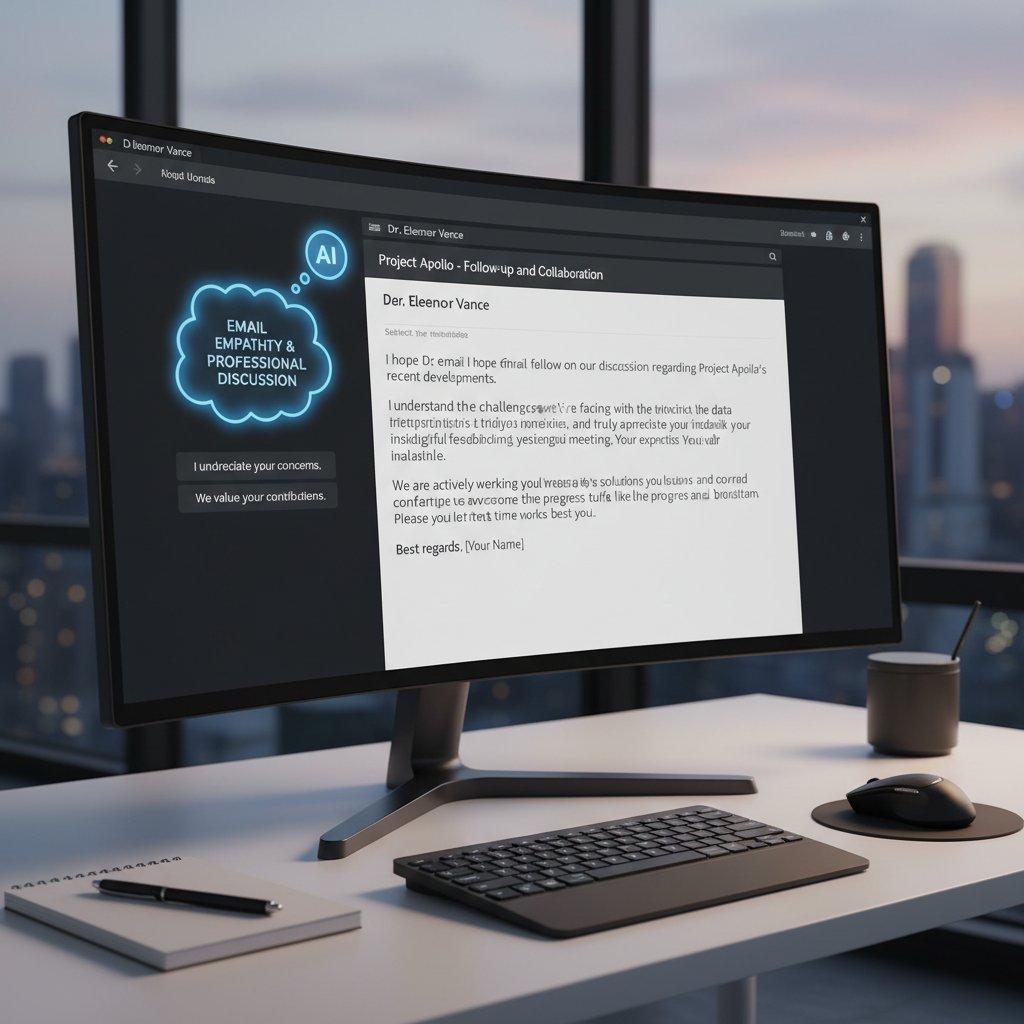
Some argue that the safest play is hybrid—AI drafts, human approves. But the temptation to “set and forget” is strong, especially as assistants become more convincing. The uncomfortable truth: sometimes, only a real human can feel the room.
The over-automation trap: Productivity or just busywork?
The line between “helpful automation” and “over-automation” is razor-thin. When assistants begin replying to every message, creating endless follow-up chains or flooding calendars with automated invites, productivity can nose-dive. It’s the digital equivalent of talking just to hear yourself speak.
| Benefit | When Automation Works | Over-Automation Trap |
|---|---|---|
| Time savings | Repetitive tasks handled | Unnecessary replies and noise |
| Consistency | Standardized templates used | Robotic tone, loss of personalization |
| Insight | Priority messages flagged | False positives overwhelm signal |
| Collaboration | Shared workflows automated | Over-notification leads to alert fatigue |
Table 3: Automation: Productivity hero—or villain? Source: Original analysis based on industry best practices.
Security scares and privacy pitfalls: What’s actually at risk
AI assistants handle sensitive data—client secrets, contracts, even health information. The risks are real: data breaches, unauthorized access by third-party vendors, or compliance missteps can have catastrophic results. Vigilance isn’t optional.
- Ensure assistants only access necessary data—principle of least privilege.
- Always review vendor security certifications and audit histories.
- Enable two-factor authentication and end-to-end encryption.
- Regularly review activity logs for suspicious actions.
- Stay up-to-date with regulations—GDPR, HIPAA, and local data laws.
Choosing the right assistant: Red flags, must-haves, and critical questions
The step-by-step checklist for vetting solutions
Picking an email-based correspondence assistant isn’t like shopping for a new app. You’re trusting it with your reputation, your secrets, your livelihood. Here’s how to avoid the pitfalls:
- Define your needs: What are your biggest email pain points?
- Research available solutions—look for independent reviews and verified user testimonials.
- Check integration compatibility with your current systems.
- Scrutinize security protocols and compliance certifications.
- Test customization options—does the AI adapt to your workflow?
- Evaluate transparency—can you audit actions and override decisions?
- Calculate real ROI—does it save time, reduce stress, and improve outcomes?
- Run a pilot before full deployment.
- Solicit feedback from your team.
- Reassess periodically: is the assistant evolving as your needs change?
Must-have features: What separates hype from help
Don’t be seduced by buzzwords. The best assistants combine technical prowess with practical usability.
A game-changing correspondence assistant should provide:
- Advanced intent and sentiment detection.
- Seamless integration with existing email platforms.
- Customizable automation rules and workflows.
- Transparent analytics and performance dashboards.
- Ironclad security and compliance features.
- Human-in-the-loop review for sensitive messages.
- Ongoing support and regular updates.
Key Features:
The ability to understand the “why” behind an email, not just the words.
Customizes responses and prioritization based on your unique style.
End-to-end encryption, data residency, and granular access controls.
Real-time monitoring of open rates, response times, and engagement.
Red flags: Signs your assistant is working against you
Not all AI is created equal—and a bad assistant is worse than none.
- Lacks transparency about data use or fails security audits.
- Doesn’t allow for user override or human approval.
- Over-automates, creating more noise than value.
- Stagnates—no evidence of learning or improvement over time.
- Poor integration or causes workflow disruption.
- Hidden costs, surprise fees, or lock-in contracts.
Implementation playbook: From setup to seamless integration
Onboarding: Training your assistant (and your team)
Rolling out an email-based correspondence assistant shouldn’t feel like surgery. The first step is clear onboarding—connecting your accounts, setting access levels, and defining initial priorities. But here’s where many companies stumble: skipping the human element. Team training is essential—show how the AI works, where its limits are, and how to escalate issues.
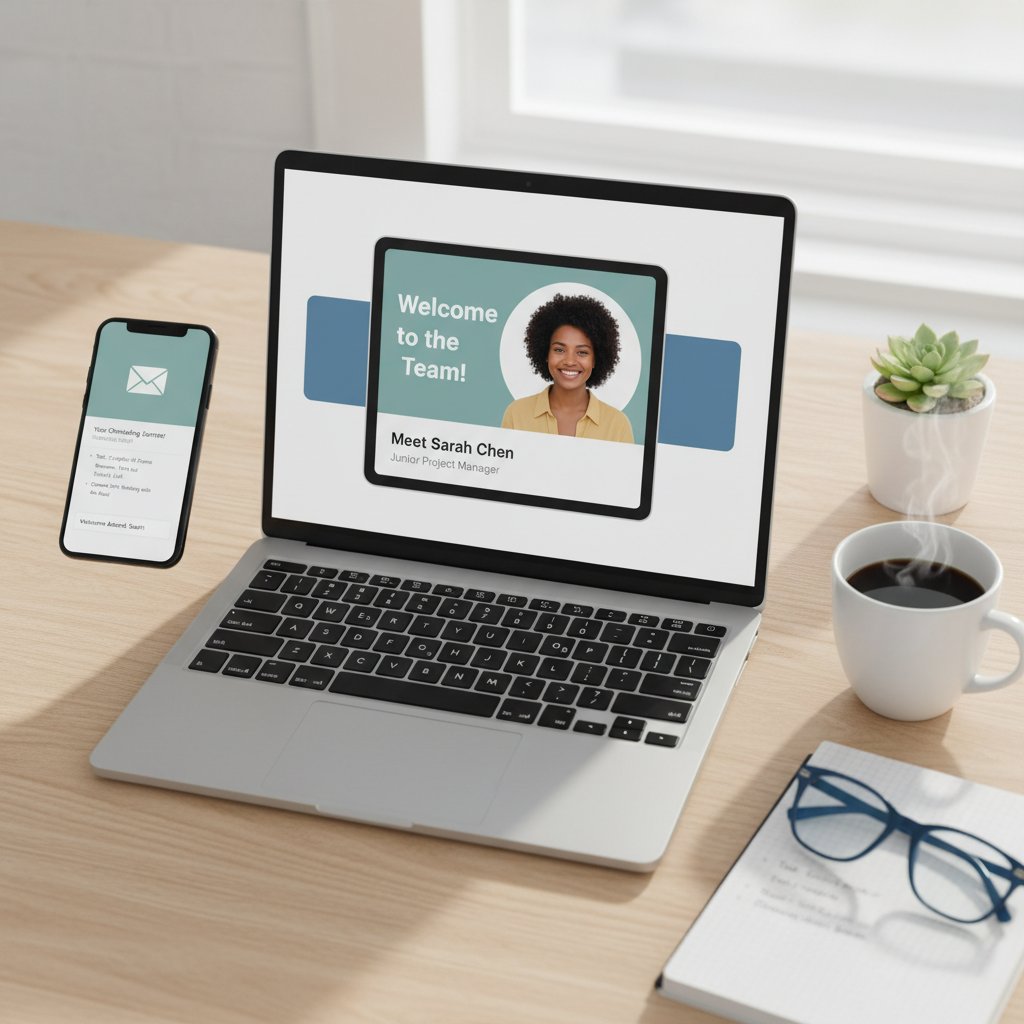
A smooth launch blends technical setup with honest dialogue about trust, accountability, and ongoing feedback. The best teams treat AI as a partner—coaching it, correcting it, and celebrating its wins.
Avoiding common mistakes: Lessons from early adopters
- Don’t skip pilot testing—catch quirks before full rollout.
- Avoid “one-size-fits-all” automation rules; customize for varied roles.
- Communicate limits—what AI can and can’t handle.
- Solicit regular feedback from frontline users.
- Monitor analytics for signs of over-automation.
- Update workflows as both needs and AI capabilities evolve.
Measuring impact: How to know if it’s working
The proof is in the metrics. Don’t just trust your gut—track objective outcomes:
| Metric | Pre-AI (Baseline) | Post-AI Implementation |
|---|---|---|
| Average response time (minutes) | 120 | 30 |
| Unread email backlog | 2,000 | 400 |
| Customer satisfaction rating | 3.2/5 | 4.5/5 |
| Time spent weekly on email (hours) | 13 | 6 |
Table 4: Measuring the impact of AI correspondence assistants. Source: Original analysis based on industry case studies.
Beyond email: How correspondence assistants are reshaping the future of work
Cross-platform power: Email, chat, and the unified inbox
The future isn’t just email—it’s seamless communication across all channels. Modern assistants handle not only email but also Slack, Teams, WhatsApp, and more, creating a unified inbox where nothing slips through the cracks. Alerts, follow-ups, and summaries appear wherever you work, with AI smart enough to adapt its responses to each context.
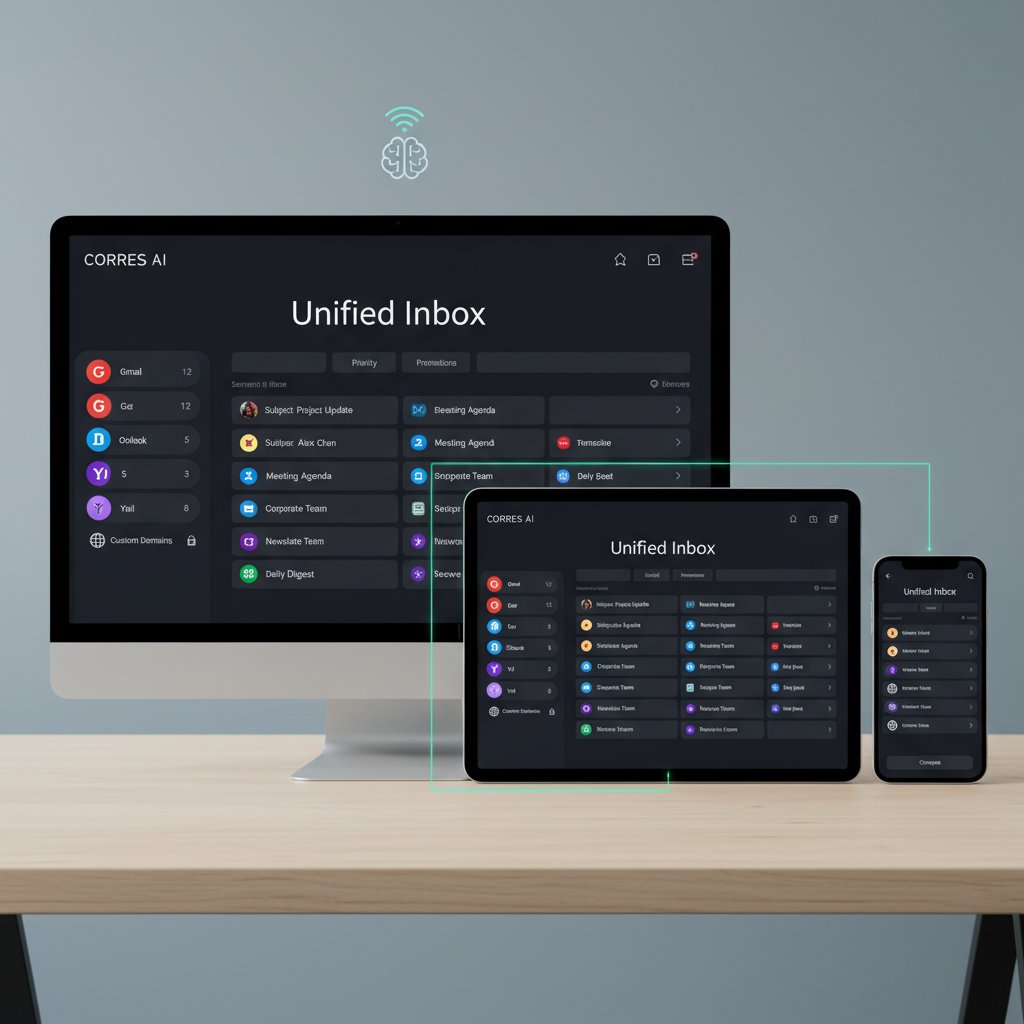
The result? Teams stay aligned, clients get faster responses, and you never lose the plot—no matter how you communicate.
AI as a collaborator, not a replacement
There’s a growing realization: AI isn’t here to steal your job—it’s here to unshackle you from busywork. The best assistants free up time for creative, strategic, and human-centered tasks. As one industry leader said:
“When AI manages the routine, I can focus on the extraordinary. It’s like trading in a shovel for a spaceship.” — CTO, Professional Services Firm, DigitalOcean, 2025
The human edge: Where real people still win
No matter how advanced the code, there are places only humans can shine:
- Navigating complex negotiations with subtle emotional cues.
- Crafting visionary strategies or creative pitches.
- Building trust through authentic, spontaneous interaction.
- Handling sensitive, high-stakes conversations that require empathy and intuition.
- Adapting to unpredictable situations where AI lacks sufficient data.
Debunking myths: Separating fact from fiction in AI correspondence
Myth #1: All AI assistants sound robotic
This myth crumbles under scrutiny. Thanks to next-gen language models, today’s AI correspondence assistants can mimic tone, adapt to context, and even slip in a joke when appropriate. According to Stripo.email, open rates rise when email tone feels genuinely human, and AI is increasingly indistinguishable from a skilled assistant in day-to-day correspondence.
For those worried about losing their voice: the best tools let you set, edit, and fine-tune every draft before it goes out. Robotic? Only if you want it to be.
Myth #2: AI can’t handle sensitive information
Security is a headline concern, but sweeping claims that AI “can’t handle” confidential data are outdated. As long as you vet providers for compliance certifications (GDPR, SOC 2, HIPAA where needed) and use encrypted channels, AI assistants can be as secure—sometimes more so—than traditional human workflows. Audits and activity logs add another layer of accountability.
Myth #3: You’ll lose your personal touch
Far from it. With customization options, you can fine-tune everything from greeting style to sign-off. AI doesn’t erase your personality—it amplifies it, ensuring the right message lands at the right moment even when your hands are tied. The real risk isn’t losing your touch—it’s drowning in busywork and missing the chance to shine.
- Tools allow you to review every draft before sending.
- Personalization features adapt to your unique style and preferences.
- AI suggestions can be edited, rejected, or approved—giving you the final word.
- The best assistants learn from your corrections, refining their output over time.
The future of correspondence: Trends to watch in 2025 and beyond
Smarter, faster, weirder: What’s next for email-based assistants
AI correspondence assistants are getting sharper—integrating voice-to-email, multilingual support, and even predictive scheduling based on your work patterns. Real-time analytics will spot bottlenecks before they erupt, while market leaders push into cross-channel orchestration.
| Trend | Description | Business Impact |
|---|---|---|
| Predictive analytics | Anticipates high-impact conversations and escalates issues | Proactive decision-making |
| Unified communications | Consolidates email, chat, and project tools in one dashboard | Streamlined workflows |
| Emotional intelligence modules | Detects tone and context for sensitive responses | Prevents miscommunication |
| Real-time integrations | Connects AI with other productivity apps instantly | Removes friction |
Table 5: The leading trends shaping AI correspondence. Source: Original analysis based on DigitalOcean and Microsoft Work Trend Index.
Cultural shifts: How workplace expectations are evolving
Today’s professionals expect speed, accuracy, and empathy. The idea that “work happens in email” is giving way to fluid, asynchronous collaboration. AI tools aren’t just tolerated—they’re demanded, with 75% of employees calling for smarter automation (ZeroBounce, 2025). The culture is shifting from “will AI replace me?” to “how can AI empower me?”

Will AI make us obsolete—or more human?
The final paradox: The more AI handles the mundane, the more space we have for innovation, empathy, and actual human connection. As industry observers note:
“AI doesn’t erase your uniqueness—it gives you the freedom to express it, at scale. The winners in the AI era are those who partner, not compete, with their digital teammates.” — Work Culture Analyst, Microsoft, 2024
Supplementary: Adjacent topics and deeper dives
Digital etiquette in the age of AI correspondence
How you wield your assistant matters. The rules of digital engagement are evolving:
- Always review sensitive drafts before sending—AI is smart, but not infallible.
- Disclose automated replies when appropriate to maintain transparency.
- Respect recipient time—avoid unnecessary follow-ups or generic responses.
- Use personalization features to maintain rapport.
- Regularly update your assistant’s “voice” to reflect changes in your style or company branding.
Integrating your assistant with other productivity tools
Stacking efficiency is the name of the game. To get the most out of your email-based correspondence assistant:
- Sync with your calendar for automated scheduling and reminders.
- Connect to your CRM to track customer interactions and follow up.
- Integrate with project management tools for task creation and deadline reminders.
- Link to cloud storage for seamless document sharing.
- Use analytics dashboards to monitor engagement and refine workflows.
What the skeptics get wrong: A critical response
Skeptics argue that AI assistants threaten jobs or degrade the quality of communication. But current data suggests the opposite: assistants reduce burnout, improve accuracy, and enhance creativity by removing repetitive tasks. The real threat is sticking to outdated workflows while competitors automate smarter.
Balanced adoption—where AI and human judgment overlap—is not just possible, but proven. The edge comes from knowing when to lean on technology, and when to bring your full human self to the table.
Conclusion: Rethinking the inbox—your next move in the age of AI
Synthesis: What we learned and why it matters
The inbox is both battlefield and goldmine. In 2025, the email-based correspondence assistant isn’t hype—it’s the survival gear of the digital workforce. We’ve seen that traditional triage tools are broken, and the cost of chaos is measured in more than just missed emails: it’s lost deals, missed innovation, and fractured teams. But with AI-powered assistants, professionals finally have a partner that doesn’t sleep, forget, or play favorites—transforming the inbox from a bottleneck to a launchpad.
Takeaways: Action steps for today and tomorrow
- Audit your current email workflow—identify bottlenecks and pain points.
- Research and vet email-based correspondence assistants using a structured checklist.
- Prioritize security and transparency in every tool you evaluate.
- Train both your team and your AI assistant for optimal results.
- Monitor outcomes—track metrics, gather feedback, and adapt.
- Embrace AI as a collaborator, not a threat—let it handle the routine so you can focus on the exceptional.
Final thoughts: Will you adapt or be left behind?
In the new era of digital work, inbox chaos isn’t a badge of honor—it’s a sign you’re behind the curve. The email-based correspondence assistant is no longer optional for those who want to thrive. The smart move? Partner up, lean in, and make technology your competitive edge—before someone else’s AI takes your seat at the table. The inbox revolution is here, and it’s rewriting the rules. The only question left: Are you reading this from the front lines, or from the digital dustbin?
Sources
References cited in this article
- ZeroBounce 2025 Email Statistics(emailexpert.com)
- DigitalOcean: Best AI Email Assistants 2025(digitalocean.com)
- Stripo.email B2B Email Marketing Stats 2025(stripo.email)
- Forbes: AI Email Assistant for Overload(forbes.com)
- Microsoft Work Trend Index 2024(microsoft.com)
- SaneBox Blog: Email Overload(blog.sanebox.com)
- Perception Point: AI Filtering(perception-point.io)
- CIO.com: Why Traditional Solutions Fail(cio.com)
- Cherry Assistant(cherryassistant.com)
- Omnisend: Email Correspondence(omnisend.com)
- LeewayHertz: AI Assistant Architecture(leewayhertz.com)
- Medium: Design Components(medium.com)
- SearchUnify: Intent Detection(searchunify.com)
- Convin.ai: Emotional AI(convin.ai)
- Magai: Workflow Integration(magai.co)
- Netguru: AI Integration(netguru.com)
- HostPapa: AI Email Security(hostpapa.com)
- Trend Micro: AI Security Risks(trendmicro.com)
- Spike: Inbox Zero 2025(spikenow.com)
- Microsoft: Business Case Studies(blogs.microsoft.com)
- Thomson Reuters: CoCounsel(legal.thomsonreuters.com)
- MarkTechPost: AI Email Assistants(marktechpost.com)
- AideAI: User Experiences(aideai.app)
- GetGenie: AI Email Assistants(getgenie.ai)
- OpenTools: Washington Post Review(opentools.ai)
- Forbes: Automation Risks(forbes.com)
- Identity Fusion: AI Email Security Risks(identityfusion.com)
- Trustifi: AI Security Automation(trustifi.com)
- Texta.AI: Top Assistants(texta.ai)
- Hiver: AI Email Tools(hiverhq.com)
- Klamp.io: Best AI Email Assistants(klamp.io)
- Trimbox: Future of Correspondence(trimbox.io)
Focus on what matters. Let AI handle the rest.
We know the feeling — another day starts with 50 unread emails, Ads Manager begging for attention, CRM out of date, and meetings without follow-ups. That's why we built TeamMember.ai — an AI team member that takes over all the operational work at the computer. Has its own email address and SMS number. Manages your inbox, runs Meta Ads, updates CRM, processes meetings, monitors social media, generates morning briefings, and controls the browser. Built on OpenClaw — a leading open-source AI agent — with cross-session memory and secure-cloud architecture that keeps your data safe.
Get startedBe First to Try Your AI Team Member
Every week without automation is dozens of hours lost to operational work. Hours you'll never get back. Join the waitlist and get priority access.
Frequently Asked Questions
How much time do knowledge workers spend on email each week?
According to the McKinsey Global Institute, the average knowledge worker spends nearly 28% of their workweek (about 13 hours) managing email.
What is the main problem with email overload mentioned in the article?
The problem isn't just the volume of messages—it's the ambiguity. Workers struggle to determine what's urgent, what's spam, and which replies might be professionally risky, turning the inbox into a psychological minefield where opportunities and context get lost.
How many email accounts does the average professional maintain?
According to the article, 86% of people run at least three email accounts.
What is an email-based correspondence assistant designed to do?
An email-based correspondence assistant is an AI-driven tool designed to help organize and manage inbox chaos by tidying the digital workspace and changing how professionals approach email communication and attention management.
How many times per day do email users check their inboxes?
Email users refresh their inboxes up to 20 times a day, contributing to the overall productivity crisis mentioned in the article.
From the Archive
Explore more from AI Team Member

AI-Powered Email Responder: Productivity Boost or Privacy Risk?
Discover insights about AI-powered email responder

Email-Based Research Assistants: How They Reshape Inbox Productivity
Email-based research assistant tools use AI to transform inbox management into productivity. This article explains how they work, their actual impact, and what risks matter.

Email Content Assistants and Productivity: What Research Shows
Email content assistant tools help professionals manage high message volumes. This article explains how AI-powered email assistants streamline workflows and address productivity challenges.

How Email-Based Personal Assistants Reduce Inbox Overload
Email-based personal assistants help professionals reclaim time lost to inbox overload. This article explains how AI-powered email assistants reduce context-switching and restore focus.

The 2026 Email Correspondence Productivity Tool Power Users Trust
Discover insights about email correspondence productivity tool

How Email Correspondence Automation Improves Productivity
Email correspondence automation addresses inbox overload, which costs businesses billions in lost productivity.