Topics

AI scheduling

48 articles · Page 1

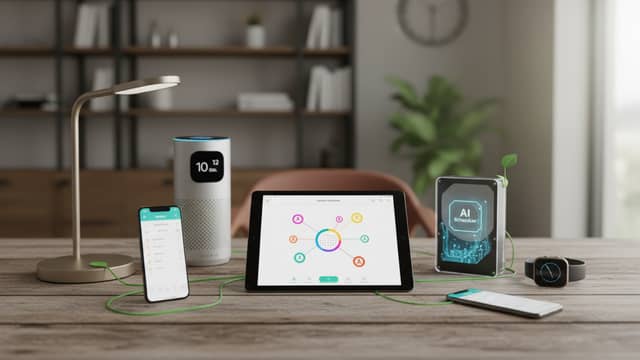
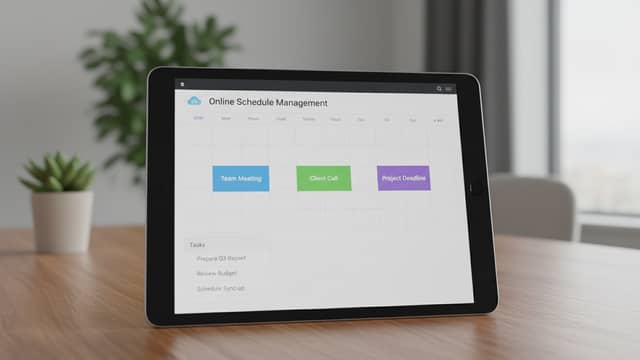
This section covers AI scheduling assistants and the calendar automation tools built around them: software that books meetings, syncs calendars, sends appointment reminders, and rearranges a workday without constant back-and-forth email. Articles look at how automated meeting booking and smart scheduling actually work in practice, where schedule optimization saves time and where it quietly creates new costs, and how these tools compare with a human assistant deciding who gets access to your time. You will also find pieces on security and data handling in AI scheduling software, calendar sync problems, no-show reduction, content and task scheduling, and how scheduling fits into wider workflow optimization and productivity setups.

Frequently Asked Questions

What does an AI scheduling assistant actually do?

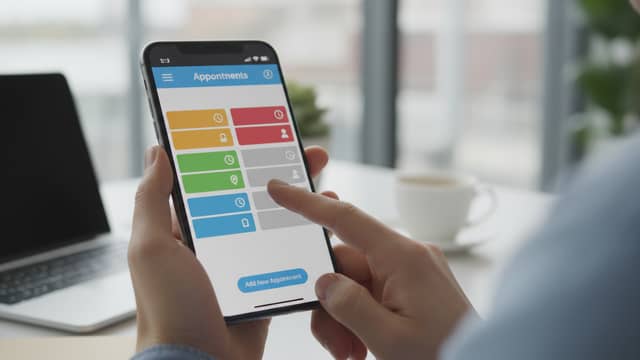
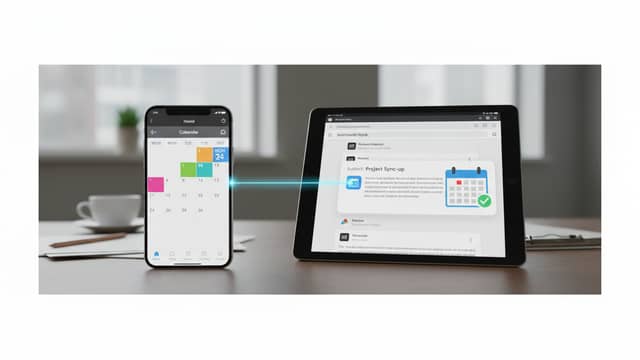
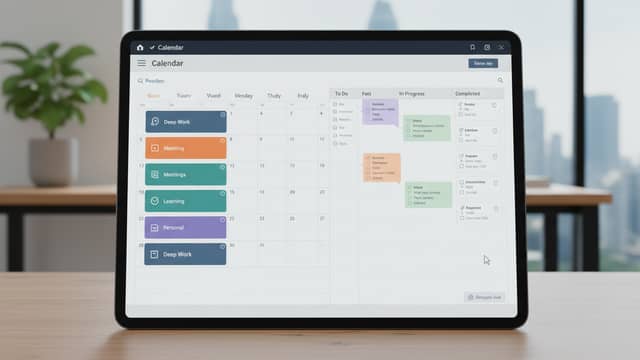
It connects to your calendar and handles the mechanics of booking: finding open slots, proposing times, confirming appointments, and sending reminders. Some tools also reorganise existing commitments, sync several calendars, and schedule recurring tasks or content. The scope varies widely between products, from a simple booking link to a full calendar management layer.
Can automated scheduling reduce no-shows?

Automated reminder tools cut no-shows by contacting attendees before a meeting without anyone having to remember to do it. Their effect depends on timing, channel, and whether rescheduling is easy from the reminder itself. Reminders address forgetfulness, not appointments that were poorly qualified in the first place.

What are the risks of letting software own your calendar?

A scheduling assistant needs broad access to calendar data, contacts, and often email, which raises questions about storage and third-party processing. There is also a control tradeoff: tools that fill open slots automatically can crowd out focus time and make your availability the default. Reviewing permissions and setting hard booking rules limits both problems.