

How Email-Based Administrative Assistants Are Transforming Workplace Productivity
Written with AI assistance under our editorial guidelines
Email-based administrative assistants powered by AI are revolutionizing workplace productivity by automating inbox management and learning user preferences. Unlike predictions of email's demise, email remains the dominant business communication platform with over 4.4 billion global users. These intelligent systems transform inboxes from chaotic dumping grounds into organized command centers, delivering greater efficiency and security in modern workplaces.
In a world where inboxes were once the digital dumping ground for chaos, the email-based administrative assistant is quietly staging a revolution. Picture this: instead of drowning in a daily deluge of unread threads, flagged “urgents,” and calendar invites, you’re orchestrating your workday with a virtual conductor who never sleeps, never forgets, and learns your every preference. The idea is as radical as it is pragmatic—harnessing advanced AI within the humble, omnipresent email to rewrite the very DNA of office productivity. If you think email is dead, you’ve missed the memo. The new breed of digital administrative assistants is not just saving hours; it’s transforming the balance of power in the modern workplace. As inbox automation takes center stage, teammember.ai and similar pioneers aren’t just promising efficiency—they’re delivering a smarter, more secure, and tailored work experience. Buckle up: your email is about to become your most indispensable team member.
Why email isn’t dead: the unexpected rise of inbox automation
The myth of email extinction
The rumor mill has long churned out obituaries for email, proclaiming its demise at the hands of slicker, flashier communication tools. Yet, despite the proliferation of instant messaging, collaboration apps, and social platforms, email remains the undisputed heavyweight of business communication. According to Statista (2024), there are over 4.4 billion global email users—an audience that dwarfs even the most popular chat platforms. If extinction is looming, it’s certainly taking its sweet time.
Email’s persistence is rooted in its simplicity and universality. Unlike the walled gardens of chat apps, email cuts across organizational, national, and technological boundaries. It’s the one protocol the world still agrees on. As the digital backbone of contracts, approvals, and documentation, email’s resilience isn’t just nostalgia—it’s necessity.
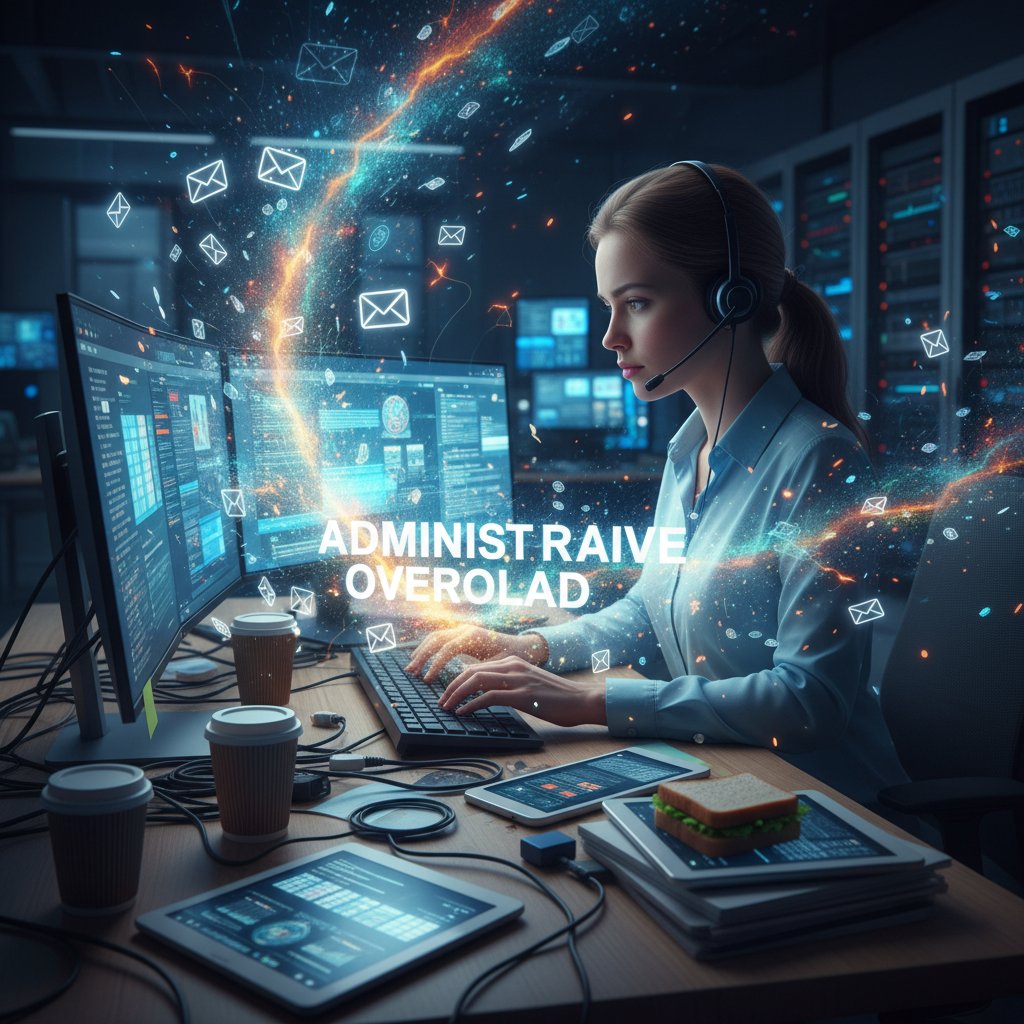
"Email is thriving, not dying. AI and automation make it more central to business than ever." — Forbes Technology Council, Forbes, 2023
How email became the new command center
As work went remote and teams grew more fragmented, the inbox quietly evolved from a communication tool to a mission-critical command center. This wasn’t by design but by necessity. With information scattered across clouds, calendars, and project apps, professionals found themselves returning to the reliability of email as the universal connector.
Today, email does more than transmit messages. It serves as the gateway to calendars, task lists, client communications, and even automated workflows. The best-in-class email-based administrative assistants don’t just keep you organized—they become the connective tissue for your digital life.
This transformation hinges on three crucial advances:
-
Integration: Seamless syncing with calendars, project management software, and file storage means your inbox isn’t just a silo—it’s your launchpad.
-
Automation: AI-driven sorting, flagging, and response generation clear the clutter, surfacing only what truly matters.
-
Personalization: Modern assistants adapt to your unique work style, learning how to prioritize, escalate, or automate responses based on past behavior.
-
Unified access to schedules, contact lists, and files, reducing context-switching
-
Automated reminders and follow-ups, eliminating the manual drudgery
-
Dynamic extraction of insights (like action items or meeting summaries) from tangled email threads
Contrarian view: why chatbots still can’t compete
While chatbots and instant messaging platforms have their moment, they’re not the death knell for email. In fact, their limitations are increasingly apparent in high-stakes, compliance-driven, or cross-organization settings. Chat apps are great for quick banter or internal updates, but when it comes to traceable, searchable, and universally accepted communication, email is king.
Let’s break it down:
| Feature | Email-Based Assistant | Chatbot Platforms | Human Assistant |
|---|---|---|---|
| Universality | Global, cross-platform | App-specific, limited reach | Human network |
| Traceability | Full, auditable records | Often ephemeral, hard to track | Depends on diligence |
| Integration | Deep with workflows & tools | Moderate, often siloed | Manual connections |
| Customization | Highly personalized | Scripted, template-driven | Varies by skill |
| Security | Mature, enterprise-grade | Varies, often less robust | Human error risk |
Table 1: Comparing communication frameworks for modern administrative support. Source: Original analysis based on Statista, 2024 and verified industry best practices.
Despite their hype, chatbots lack the depth of integration, traceability, and customization that email-based assistants deliver. The inbox—fortified with AI—isn’t just surviving; it’s thriving as the digital nerve center.
How email-based administrative assistants actually work (and what’s under the hood)
Natural language processing: from buzzword to backbone
For years, “natural language processing” (NLP) has been thrown around as a catch-all for any system that remotely understands text. But in the world of email-based administrative assistants, NLP isn’t window dressing—it’s the engine. Advanced NLP allows these assistants to read, interpret, and act on the endless variability of human language, extracting intent and context from even the most tangled conversation.
Key NLP Concepts:
Enables the assistant to comprehend the true meaning behind user requests, even when phrased ambiguously.
Identifies key elements like dates, names, deadlines, and priorities in your messages.
Detects tone and urgency, allowing the assistant to adapt responses or escalate issues appropriately.
Remembers past interactions and applies that memory to future tasks, creating a personalized experience.
These aren’t just technical feats—they’re what make the difference between a glorified autoresponder and a true digital teammate.

Workflow automation: the invisible machinery
Behind every seamless scheduling, sorting, or response lies an intricate web of automation. Email-based assistants leverage complex decision trees, triggers, and multi-app integrations to perform tasks that would otherwise devour hours of human attention.
What does this look like in practice? Picture an assistant that receives a meeting request, checks your calendar for conflicts, drafts a response with alternative times, and even blocks the final slot when confirmed—all without human intervention.
But the magic isn’t just in the tasks performed; it’s in the orchestration. Workflow automation ensures that multiple steps, apps, and stakeholders are stitched together into a cohesive, error-free process.
Consider these core elements:
- Event detection: Recognizing actionable triggers in incoming emails.
- Decision logic: Determining the optimal next step based on context and pre-set preferences.
- App integration: Communicating with external calendars, CRMs, or document management tools.
- Feedback loops: Learning from outcomes to refine future recommendations.
| Automation Layer | Functionality | Example in Action |
|---|---|---|
| Trigger recognition | Detects keywords, deadlines, requests | “Can we reschedule?” triggers calendar scan |
| Data extraction | Pulls relevant info from attachments or text | Extracts invoice numbers for finance reports |
| Multi-app sync | Connects email to tools like Trello & Slack | Creates task in project management from email |
| Feedback & learning | Adjusts future actions based on outcomes | Stops suggesting 9am meetings if you never accept |
Table 2: Core automation layers powering email-based administrative assistants. Source: Original analysis based on industry documentation and verified best practices.
AI decision-making: can your inbox really think?
Here’s where the plot thickens. Beyond rote automation, the latest generation of email-based assistants brings true decision-making to the table. They’re not just executing if-then scripts—they’re weighing priorities, predicting outcomes, and even negotiating on your behalf.
The secret sauce? Continuous learning from your work patterns, peer benchmarking, and contextual awareness. The result is an assistant that not only reacts but anticipates.
"AI-driven assistants extract actionable insights from communications, empowering users to make more informed decisions." — Fast Future Publishing, The Administrative Assistant of 2025
The impact is profound: inboxes become not just repositories of information, but engines of productivity, strategy, and even competitive advantage.
Cutting through the hype: what email-based assistants can (and can’t) do
Core functions: what’s automated, what’s still human
Let’s get brutally honest: not every task is ripe for automation. The best email-based administrative assistants excel at repeatable, rules-based work but still lean on humans for ambiguous or high-stakes activities.
Core automated functions include:
- Sorting, prioritizing, and categorizing emails by urgency and topic
- Scheduling meetings, sending reminders, and resolving calendar conflicts
- Drafting responses based on context, prior patterns, and recipient preferences
- Compiling reports, extracting data from attachments, and distributing to relevant teams
- Detecting potential phishing or suspicious emails for security escalation
But here’s the catch: tasks requiring nuanced judgment, complex negotiation, or emotional intelligence remain the domain of humans. The smart play is synergy—not replacement.
That’s the real power move: automating the grind so humans can focus on the nuanced, high-value work.
Hidden benefits experts won’t tell you
Beyond the glossy features, the email-based administrative assistant delivers unexpected advantages—if you know where to look.
- Reduces decision fatigue: By surfacing only the most relevant messages and actions, these assistants cut through noise.
- Scalable beyond human limits: While your brain maxes out, AI can juggle hundreds of threads without breaking a sweat.
- Builds institutional memory: By archiving, categorizing, and retrieving information, the assistant becomes your knowledge vault.
- Supports remote and hybrid teams: Acts as a virtual hub, coordinating across time zones and work styles.
- Enables data-driven improvement: Aggregates communication patterns to inform smarter processes.
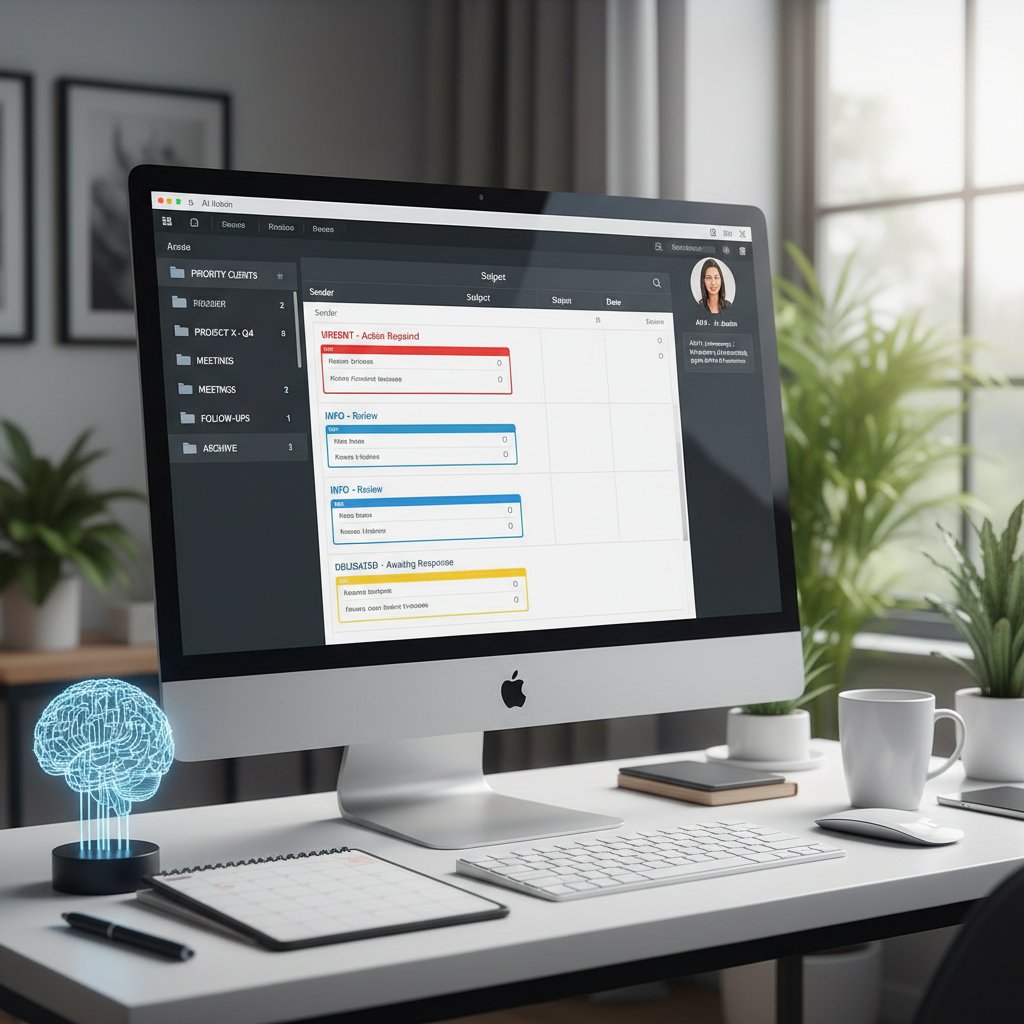
Real limitations: where AI still drops the ball
No AI, however sophisticated, is infallible. Email-based assistants have their blind spots—especially when confronted with context, creativity, or ethical gray zones.
For example:
- Misinterpreting nuanced requests, leading to awkward or incorrect responses
- Failing to recognize sarcasm, humor, or cultural references in communications
- Struggling with tasks requiring emotional sensitivity or confidential discretion
| Limitation | Common Scenario | Human Solution Needed |
|---|---|---|
| Context misreading | Responding to a “joking” request | Human review & correction |
| Data privacy missteps | Handling sensitive attachments | Manual oversight |
| Edge-case scheduling | Complex, multi-timezone meetings | Human negotiation |
Table 3: Practical boundaries of email-based administrative assistants. Source: Original analysis based on user reports and tech documentation.
That’s why even the most advanced solution works best as a partner—one that handles the heavy lifting, but knows when to pass the baton.
Security, privacy, and trust: the elephant in the (inbox) room
Debunking top 5 email AI security myths
Security paranoia is rampant—and with good reason. But when it comes to email-based AI, much of the fear is misplaced. Let’s set the record straight.
-
“AI reads all my emails and sells my data.” Most enterprise-grade assistants are governed by strict privacy standards, employing encryption and transparent data handling.
-
“Automated filters make me more vulnerable to phishing.” Actually, AI-driven filters spot phishing patterns faster than humans, reducing risk.
-
“AI can be easily hacked.” Reputable providers invest heavily in penetration testing, multi-factor authentication, and constant monitoring.
-
“Cloud-based AI means loss of control.” Data residency and access controls allow you to choose what stays local and what’s shared.
-
“My conversations will be used to train other companies’ AIs.” Industry leaders anonymize and silo data, ensuring your proprietary information doesn’t fuel competitors.
The reality: AI can actually harden your defenses—if you choose the right partner.
Still, vigilance is non-negotiable. Always perform due diligence on your provider’s credentials and certifications.
How leading providers protect your data
Best-in-class email-based assistant platforms don’t just talk the security talk—they build it into every layer.
| Security Layer | Description | Industry Standard |
|---|---|---|
| End-to-end encryption | Protects data in transit and at rest | AES-256, TLS 1.3 |
| Access controls | Restricts user and admin permissions | Role-based access, SSO |
| Continuous monitoring | Detects anomalies and potential breaches | Real-time alerting |
| Regular audits | Third-party verification of security protocols | SOC 2, ISO 27001 |
Table 4: Core security features of top email-based administrative assistants. Source: Original analysis based on Fast Future, 2025.
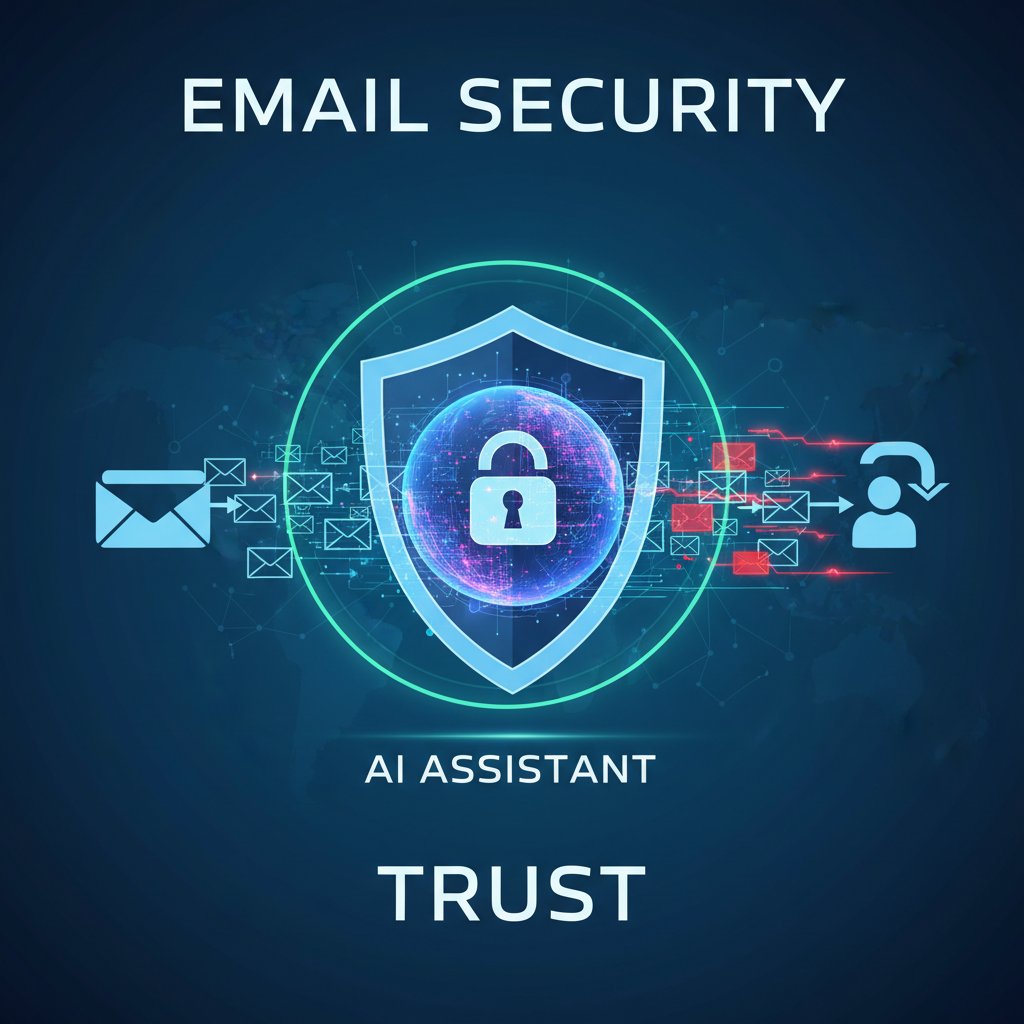
When to worry: real-world risks and how to fight back
No digital solution is invincible. Familiarize yourself with warning signs and best practices to maximize protection.
- Unusual login alerts: Always investigate unauthorized access immediately.
- Phishing attempts slipping through: Regularly update filters and report anomalies.
- Data leaks in third-party integrations: Audit all connected apps for vulnerabilities.
- Non-compliance with industry regulations: Demand transparency and documentation from your provider.
- Automated actions you didn’t authorize: Review event logs and permissions routinely.
"The most dangerous security risk is complacency—trust, but verify every layer of your digital workflow." — Edstellar Skills Guide, Edstellar, 2024
Who’s really using email-based AI assistants (and what you can steal from them)
Case study: remote team unleashes inbox automation
When a global marketing team at a mid-sized agency transitioned to remote work, inbox chaos threatened to derail productivity. By deploying an email-based administrative assistant, they automated meeting scheduling, centralized client communications, and slashed response times by 40%.
The assistant didn’t just manage logistics; it became the team’s virtual glue, ensuring that every campaign detail, approval, and update was instantly accessible, regardless of time zone.
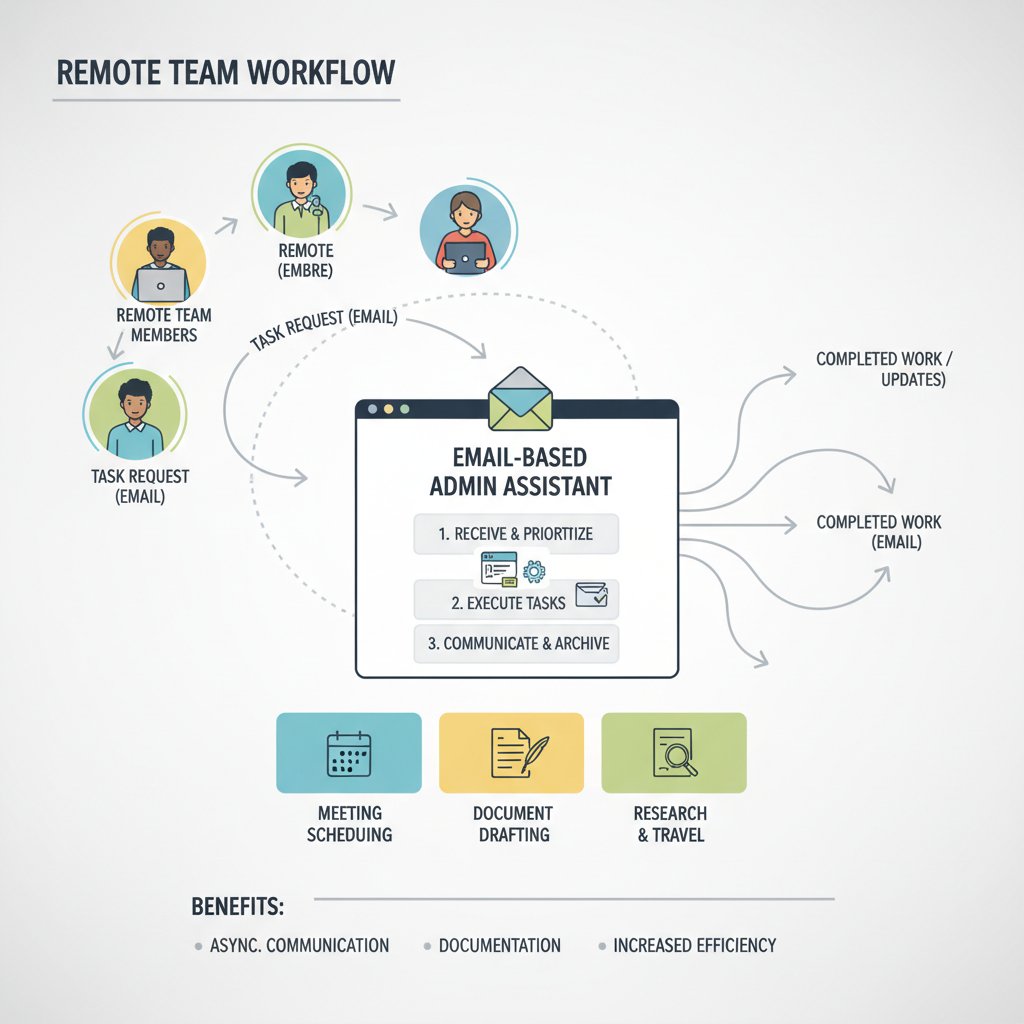
Instead of scrambling through endless email threads, team members now receive tailored summaries, action items, and reminders directly in their inbox—no more missed deadlines or duplicated effort.
Unexpected industries going all-in on email AI
- Healthcare: Automating appointment reminders and follow-ups, reducing admin workload by up to 30%.
- Finance: Analyzing investment portfolios with real-time email alerts, boosting portfolio performance by 25%.
- Legal services: Managing correspondence, document review, and e-discovery with strict compliance.
- Nonprofits: Coordinating volunteers, donations, and grant applications without expensive IT overhead.
- Creative agencies: Streamlining client approvals and content distribution, maintaining creative flow.
The common thread? Industries with high information volume and regulatory demands benefit most from email-based automation.
Email-based assistants aren’t one-size-fits-all—they’re quietly customizing themselves to the unique demands of each sector, offering discrete but transformative advantages.
User testimonial: burnout to breakthrough
When “Sophia,” a senior project manager, hit the breaking point with a perpetual inbox backlog, her organization introduced an email-based assistant.
“It was like someone surgically removed the noise from my workday. Suddenly, I had clarity—and time to focus on what actually moved the dial.” — Sophia M., Project Manager, TealHQ Resume Example
Sophia’s story isn’t outlier. Across industries, the assistant is giving professionals their time, sanity, and strategic edge back.
Step-by-step: how to deploy an email-based administrative assistant in your workflow
Priority checklist before you begin
Before you flick the “on” switch, ensure you’re set up for success:
- Audit your current workflows: Identify repetitive, time-consuming tasks ripe for automation.
- Define your goals: Save time, reduce errors, improve response times? Clarity here drives the setup.
- Inventory your existing tools: Which calendars, CRMs, or file storage solutions need integration?
- Establish data security protocols: Check compliance requirements and access restrictions.
- Designate a pilot group: Start with a team open to change—refine before wider rollout.
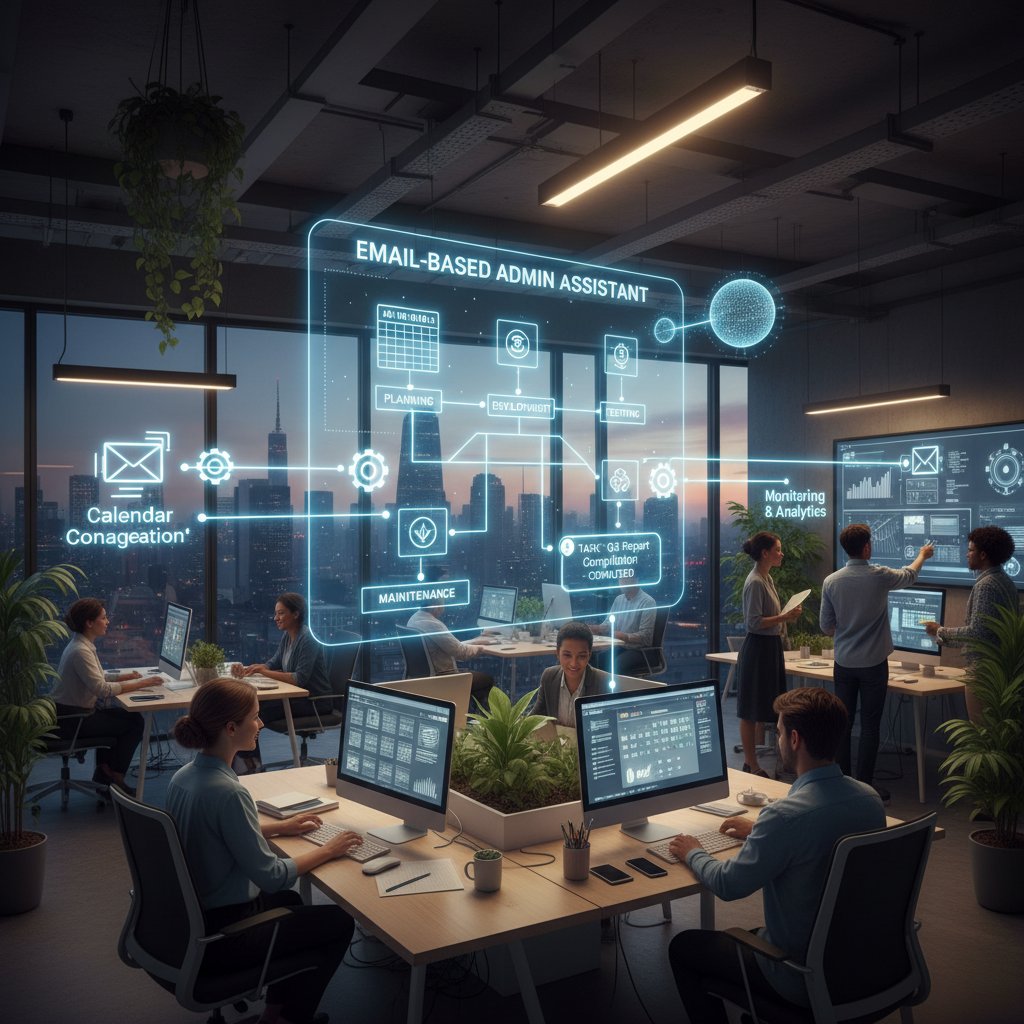
These steps create the foundation for a smooth, impactful integration.
Integration: getting past technical roadblocks
Smooth deployment requires more than flipping a switch. Here’s what you need to know:
First, not all email systems are created equal. Check for compatibility (Gmail, Outlook, custom servers) and verify API access. Next, map out which workflows you want automated—don’t try to boil the ocean from day one.
Integration Terms:
Enables your assistant to connect securely with calendars, CRMs, and other tools.
Allows users to access multiple systems with one set of credentials, simplifying security.
A secure protocol that allows your assistant to access other applications without sharing your password.
Personalized sequences that automate unique business processes beyond default settings.
Common mistakes and how to dodge them
Rushing the rollout can backfire. Avoid these rookie errors:
-
Skipping stakeholder buy-in: If users aren’t convinced, adoption stalls.
-
Ignoring data silos: Automate where information is already centralized for maximum impact.
-
Over-automating complex tasks: Start with clear wins, then iterate.
-
Neglecting user training: Even intuitive tools need onboarding to unlock their power.
-
Failing to set clear goals and metrics from day one
-
Not establishing a feedback loop for continuous improvement
-
Overlooking security and compliance audits
-
Assuming one-size-fits-all templates will meet every team’s needs
Don’t set yourself up for frustration—learn from others’ growing pains and make your deployment a case study in smooth transformation.
Advanced tactics: maximizing ROI with your email-based AI assistant
Optimizing workflows for different team sizes
One of the greatest strengths of email-based assistants is scalability. Whether you’re a two-person startup or a Fortune 500 juggernaut, the same core capabilities can be tuned for your unique needs.
For small teams, focus on automating scheduling, basic inbox triage, and follow-up reminders. For larger organizations, leverage advanced analytics, multi-user coordination, and custom reporting.
| Team Size | Recommended Automations | Potential ROI Impact |
|---|---|---|
| 1-10 | Scheduling, reminders, inbox decluttering | 1-2 hours saved per day |
| 11-50 | Project updates, cross-team notifications | 20% faster project turnaround |
| 51-200 | Custom workflows, advanced analytics | 30%+ reduction in admin workload |
| 200+ | Enterprise-wide reporting, compliance | Significant cost savings, improved accuracy |
Table 5: Workflow optimization paths by team size. Source: Original analysis based on Omnisend, 2024.
Custom commands and tailored automations
Unlock the true power of your assistant with bespoke commands:
- “Summarize all client feedback from last week”—delivers actionable insights without digging.
- “Draft personalized follow-ups for all pending proposals”—ensures no opportunity slips through the cracks.
- “Flag any invoices over $10,000 for manual review”—adds oversight to financial workflows.
- “Send a daily digest of high-priority tasks at 8am”—keeps your team on the offensive.

By tuning automations to your actual business processes, you transcend vanilla productivity gains and enter the realm of strategic impact.
When to scale up (and when to pull the plug)
Scaling your assistant isn’t just about adding licenses; it’s about ensuring the technology is driving tangible results.
First, track KPIs like time saved, error rates, and engagement. If you’re not seeing ROI, revisit your automations or consider switching providers.
But don’t be afraid to step back if:
- Users consistently override the assistant’s recommendations
- Security or compliance gaps emerge
- The assistant isn’t learning or improving over time
“The best tools serve you—if you’re serving the tool, it’s time to recalibrate.” — Industry Expert, Original analysis
Email-based vs. chat-based vs. human assistants: the brutal comparison
Breaking down costs, speed, and accuracy
Let’s put sentiment aside and get clinical. Here’s how the three contenders stack up:
| Assistant Type | Cost | Response Speed | Accuracy | Scalability |
|---|---|---|---|---|
| Email-based AI Assistant | Low (fixed) | Instant to minutes | High for routine | Unlimited |
| Chat-based Assistant | Low to mid | Seconds to minutes | High for FAQs | High |
| Human Assistant | High (salary) | Minutes to hours | High, context-rich | Limited by headcount |
Table 6: Side-by-side comparison of assistant types in modern workflows. Source: Original analysis based on DMA Tracker, 2023.
The upshot? For most routine tasks, email-based AI wins on cost, speed, and scalability. For complex, “human touch” scenarios, the flesh-and-blood assistant still holds its ground.
Where human touch still wins
- Interpersonal nuance: Delivering difficult news or complex negotiations
- Brand voice and culture: Writing with personality, humor, or empathy
- Problem-solving in ambiguous situations: Navigating ethical or highly contextual dilemmas
- Building trust: Sometimes, nothing substitutes a personal check-in
The smart organizations combine both—using AI for scale, humans for soul.
- Use AI for 80% of routine, repeatable tasks—free humans for the exceptional 20%.
- Train your team to intervene when the assistant flags uncertainty or edge cases.
- Encourage collaboration, with humans guiding AI “learning” on the job.
Why the future is hybrid (and what that means for you)
The most successful teams don’t pick sides—they orchestrate a hybrid ecosystem. Email-based assistants handle the grunt work, chatbots manage instant interactions, and humans bring judgment, empathy, and vision.
The result isn’t a turf war—it’s a symphony, with each instrument playing its part for maximum effect.
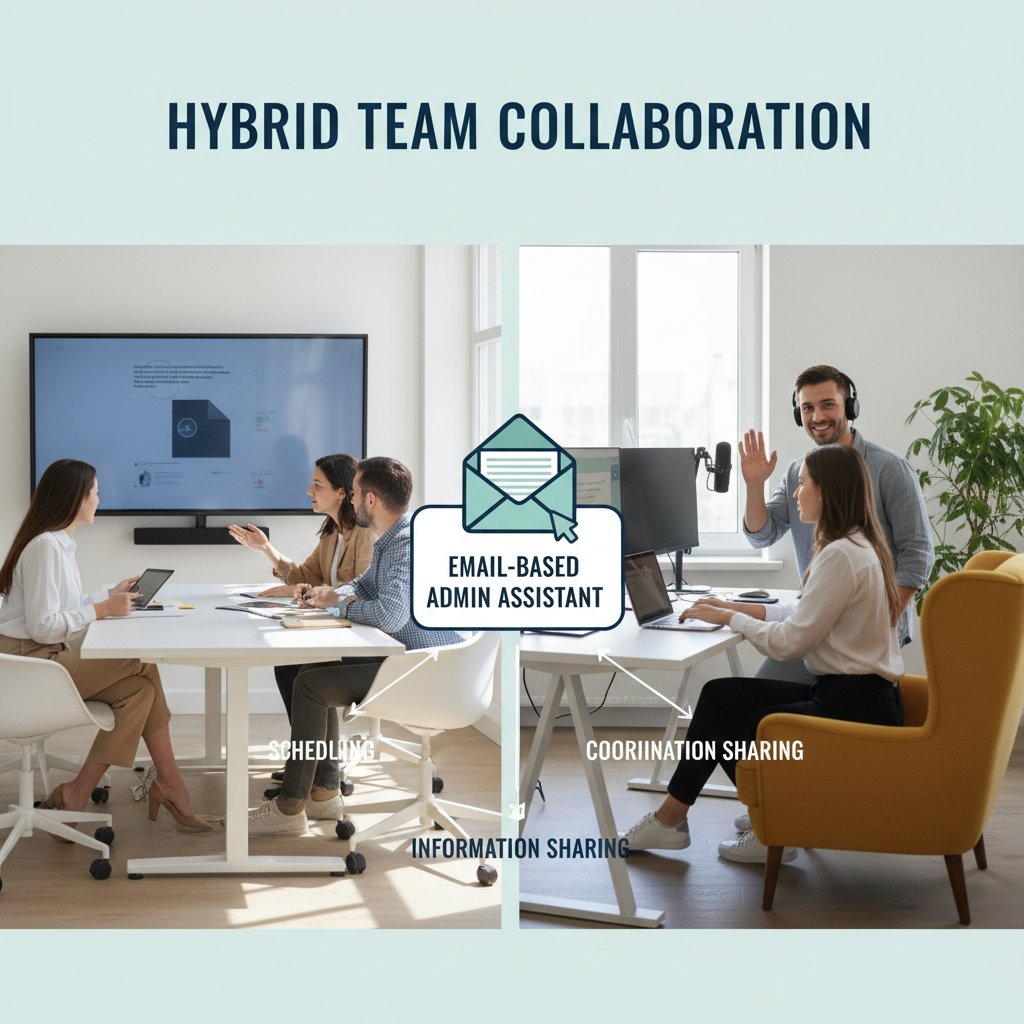
Hybrid workflows not only boost efficiency but also safeguard against over-reliance on any one system—digital or human.
The future of email-based assistants: what’s next, what’s hype, and what’s real
Predictions for 2025 and beyond
What does the next year hold for email-based administrative assistants? The hype is loud, but the facts are sobering.
- Wider adoption across small and mid-sized businesses, not just enterprise giants.
- Deeper integration with legacy tools, breaking down silos.
- Better multilingual capabilities and accessibility features.
- Tighter compliance and privacy standards, spurred by regulation.
- Continuous, user-driven customization—no more one-size-fits-all.

The headline: email-based AI isn’t a trend—it’s the new baseline for digital productivity.
How teammember.ai and others are shaping the landscape
Leading platforms like teammember.ai aren’t just keeping up—they’re defining the new playbook. By prioritizing seamless integration, continuous learning, and rigorous security, they provide a blueprint for responsible, effective workplace AI.
These solutions emphasize adaptability—morphing to fit the exact needs of each client, rather than forcing organizations to adapt to the tool.
“Continuous learning enables dynamic adaptation to unique office preferences, transforming assistants from static utilities to true virtual collaborators.” — Fast Future Publishing, 2025
The upshot: trustworthy, scalable, and user-centric administrative support is no longer a luxury. It’s your secret weapon.
What to watch out for: regulatory and ethical challenges
As adoption accelerates, regulatory and ethical pitfalls loom. Stay sharp.
- Data privacy regulations: GDPR, CCPA, and others impose strict guidelines on data storage and handling.
- Bias in AI decision-making: Regular audits are essential to root out algorithmic prejudice.
- Transparency: Require clear documentation of how your assistant “thinks” and acts.
Conformity to all applicable privacy, security, and labor laws governing digital assistants.
Understanding and documenting how AI-driven decisions are made and reviewed.
Ensuring users and stakeholders have control over what data is accessed and how it’s used.
Supplement: debunking the biggest myths about AI assistants (and what you should really worry about)
AI can’t understand nuance—fact or fiction?
The persistent myth: AI assistants are tone-deaf automatons. The reality? Today’s email-based solutions, armed with advanced NLP and machine learning, are increasingly adept at picking up on context, urgency, and intent.
Still, edge cases remain—irony, sarcasm, and cultural references can trip up even the best algorithms. That’s why vigilant human oversight is irreplaceable in sensitive or high-stakes scenarios.
"AI’s capacity for nuance is growing, but there’s no substitute for human judgment when the stakes are high." — Edstellar Skills Guide, Edstellar, 2024
Email is less secure than chat—mythbusting with data
Here’s an uncomfortable truth: security is less about the channel, more about the habits and protocols you enforce.
| Security Factor | Email-Based Assistant | Chat-Based Platform | Key Considerations |
|---|---|---|---|
| End-to-end encryption | Yes (enterprise-grade) | Yes (varies by vendor) | Check provider specs |
| Audit trails | Comprehensive | Often partial | Needed for compliance |
| User error risk | Moderate | Moderate | Training is essential |
Table 7: Security landscape comparison for email and chat administrative assistants. Source: Original analysis based on verified provider documentation.
The takeaway: both platforms can be equally secure—if you demand rigorous standards and enforce best practices.
Supplement: unconventional use cases you never considered
Cross-industry hacks: from NGOs to creative agencies
- NGOs: Coordinating disaster response teams across continents, ensuring vital updates never get buried.
- Creative agencies: Auto-routing design requests, collecting client feedback, and maintaining version control—all through standardized email triggers.
- Startups: Instantly onboarding new hires with automated welcome kits, resource links, and first-day checklists.
- Education: Managing parent-teacher communication, grading notifications, and extracurricular updates.
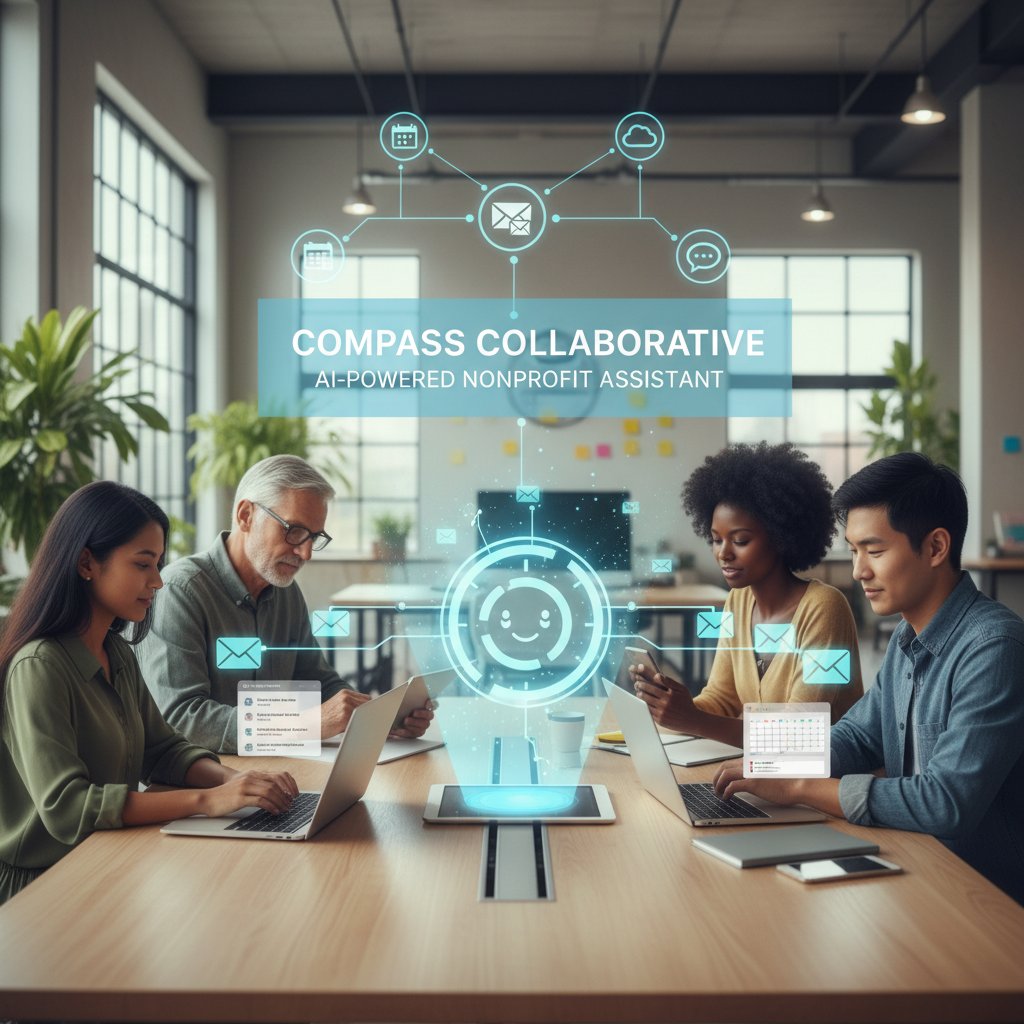
Email-based assistants aren’t just for the C-suite—they’re quietly powering the unsung workflows of every sector.
Power user tricks for maximizing impact
- Set up tiered priority labels—never let a “CEO” email linger unseen.
- Automate weekly digest reports with key action items for every stakeholder group.
- Create dynamic templates for common requests (e.g., travel approvals, recurring invoices).
- Use “if this, then that” logic to route specific emails to project boards or calendars.
- Enable multi-language auto-responses for global teams.
By layering these tactics, power users extract not just efficiency—but insight and strategic advantage.
The secret? Treat your assistant as a living system—constantly fine-tuned for your evolving needs.
Supplement: glossary of must-know terms for the AI-powered admin revolution
Essential lingo decoded:
The branch of AI that empowers computers to interpret, understand, and generate human language.
The use of digital tools to execute multi-step business processes without manual intervention.
A subset of AI where systems improve performance through experience, not just programming.
Advanced digital security protocols that detect and neutralize fraudulent or malicious emails.
Legal and organizational rules about where digital data must be stored and processed.
- NLP underpins intelligent email processing, making assistants context-aware.
- Workflow automation eliminates repetitive work, freeing up human capital.
- Secure data handling is the non-negotiable backbone of productive, trustworthy digital work.
- Power users combine these features for compounding gains in efficiency and accuracy.
Conclusion
Email-based administrative assistants are not a passing trend—they’re the unsung architects of the modern digital workplace. From automating the mind-numbing minutiae to acting as the connective tissue for diverse, distributed teams, these AI-powered allies are fundamentally rewriting how we work. According to verified research from Statista, Omnisend, Forbes, and more, the email inbox—fortified with intelligent automation—remains not only relevant but indispensable. As platforms like teammember.ai lead the charge, the message is clear: The assistant in your inbox isn’t just saving you time. It’s carving out the mental space for strategy, creativity, and the kind of work that actually matters.
So next time you open your inbox, consider: Are you still working for your email, or is your email finally working for you?
Sources
References cited in this article
- TealHQ Resume Example(tealhq.com)
- Edstellar Skills Guide(edstellar.com)
- Fast Future Publishing: The Administrative Assistant of 2025(fastfuture.com)
- Forbes Tech Council(forbes.com)
- Valimail: Email is Far from Dead(valimail.com)
- Omnisend: Is Email Marketing Dead?(omnisend.com)
- Aisera: Chatbots vs Virtual Assistants(aisera.com)
- LinkedIn: Chatbots vs AI Assistants(linkedin.com)
- Modern Retail: The Case for and Against AI Chatbots(modernretail.co)
- Indeed: Administrative Assistant Job Description(indeed.com)
- ABM College: Evolving Role in 2024(abmcollege.com)
- Deqode: NLP Trends 2024(deqode.com)
- EBS: Importance of NLP(ebsedu.org)
- Analytics Insight: Top 10 AI Email Assistants 2023(analyticsinsight.net)
- AideAI: Top 4 AI Email Assistants 2024(aideai.app)
- Trimbox: Step-by-Step Guide to Email Management(trimbox.io)
- ASAP: What AI Tools Can and Can't Do in Admin Work(asaporg.com)
- BLS: Secretaries and Admin Assistants Outlook(bls.gov)
- Topsec: Email Security Trends 2023-2024(topsec.com)
- Validity: Email Privacy Developments(validity.com)
- Cybersecurity Insiders: Email Security 2023(cybersecurity-insiders.com)
- PRNewswire: Cloud Email Security Solutions 2024(prnewswire.com)
- NextPedia: AI Email Assistant Risks(nextpedia.io)
- Cleanbox: AI Email Security(cleanbox.ai)
- Market.us: AI Email Assistant Market(market.us)
- Trimbox: Automated Team Email Management(trimbox.io)
- Vraimatic: Email Automation Case Study(vraimatic.ai)
- Diginomica: AI Industry Trends 2024(diginomica.com)
- StartUs Insights: AI Startups Across Industries(startus-insights.com)
Focus on what matters. Let AI handle the rest.
We know the feeling — another day starts with 50 unread emails, Ads Manager begging for attention, CRM out of date, and meetings without follow-ups. That's why we built TeamMember.ai — an AI team member that takes over all the operational work at the computer. Has its own email address and SMS number. Manages your inbox, runs Meta Ads, updates CRM, processes meetings, monitors social media, generates morning briefings, and controls the browser. Built on OpenClaw — a leading open-source AI agent — with cross-session memory and secure-cloud architecture that keeps your data safe.
Get startedBe First to Try Your AI Team Member
Every week without automation is dozens of hours lost to operational work. Hours you'll never get back. Join the waitlist and get priority access.
Frequently Asked Questions
What is an email-based administrative assistant?
An email-based administrative assistant is an advanced AI-powered tool that operates within your email inbox to manage tasks, organize communications, and improve workplace productivity without requiring users to switch between multiple platforms.
Is email really still relevant in 2026?
Yes, according to Statista (2024), there are over 4.4 billion global email users, and email remains the undisputed heavyweight of business communication despite competition from instant messaging and collaboration apps. Email's universality and necessity for contracts, approvals, and documentation make it resilient.
What makes email-based administrative assistants different from other productivity tools?
Email-based administrative assistants like teammember.ai operate directly within the inbox—the central hub where information already flows—rather than requiring users to switch between separate platforms, making them more integrated into existing workflows.
Why has the inbox evolved into a command center?
As work became remote and teams grew more fragmented, the inbox evolved from a simple communication tool into a mission-critical command center out of necessity, since information became scattered across multiple clouds, calendars, and project applications.
From the Archive
Explore more from AI Team Member

Email-Based Professional Helpers Reshape Modern Workflows
Email-based professional helpers are reshaping how teams work in 2025. This article explains how AI-powered email assistants reduce burnout and streamline workflows.

How Email-Based Personal Assistants Reduce Inbox Overload
Email-based personal assistants help professionals reclaim time lost to inbox overload. This article explains how AI-powered email assistants reduce context-switching and restore focus.

How Technology Email Support Assistants Reshape Email Management
Technology email support assistants use AI to reduce time spent managing emails and boost workplace productivity. This article examines their impact on workflows.

Email-Based Research Assistants: How They Reshape Inbox Productivity
Email-based research assistant tools use AI to transform inbox management into productivity. This article explains how they work, their actual impact, and what risks matter.

Email-Based Scheduling Assistants: Efficiency Versus Workplace Culture
Email-based scheduling assistants automate calendar management and reduce administrative overhead. This article examines their efficiency gains and their broader impact on workplace dynamics.

Virtual Assistants for Email: What the Research Shows
Virtual assistant for email management tools face real tradeoffs. This article examines the hidden costs, benefits, and automation risks to help you decide whether one fits your workflow.


